

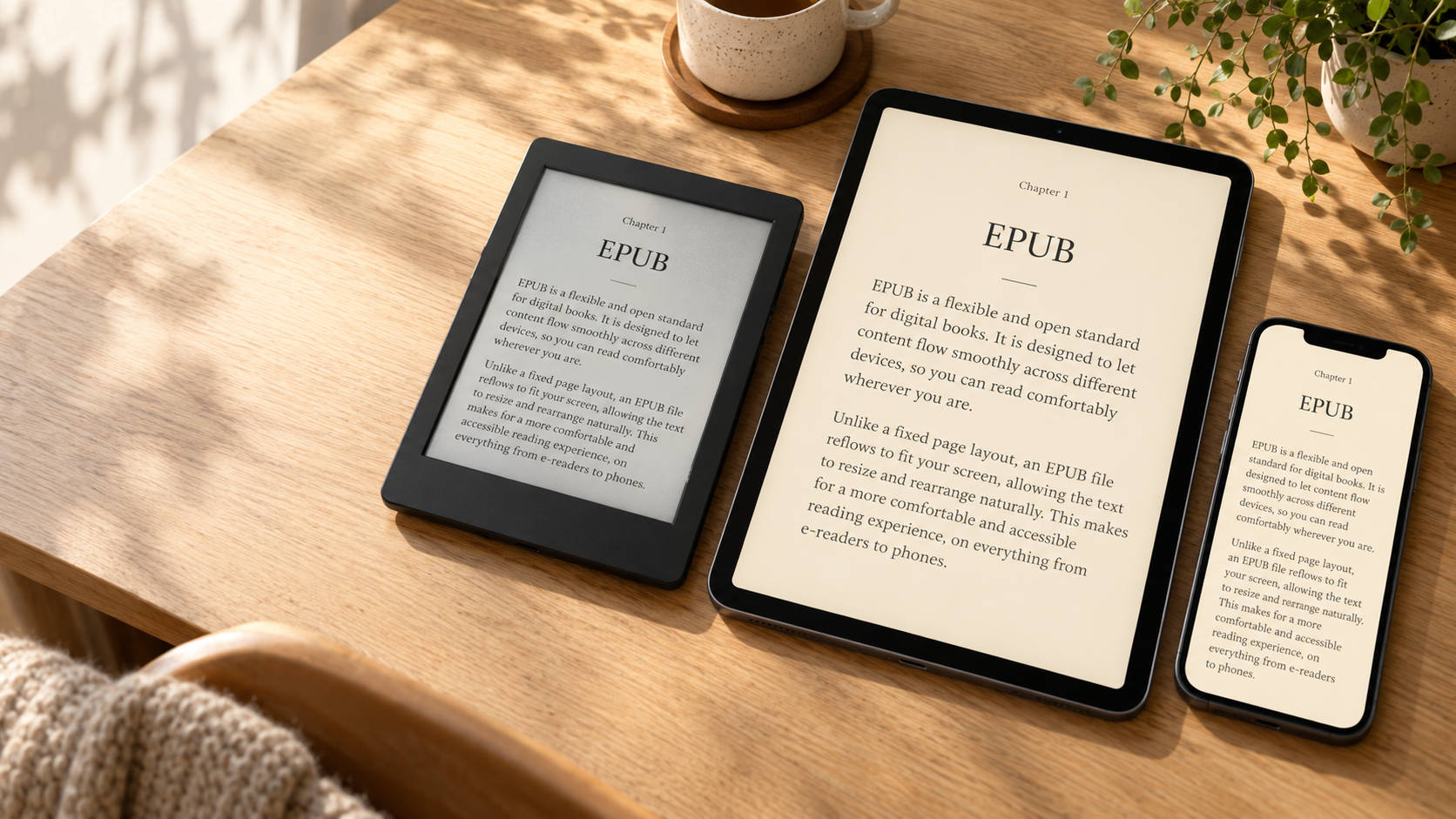
Open the same ebook on a phone and an e-reader, and you may notice that the lines wrap differently and the page count changes. That flexibility is one of EPUB’s most useful features: instead of making you read a fixed page, it usually adapts the page to you.
But what exactly is an EPUB file, and when should you choose it over a PDF?
What is EPUB?
EPUB stands for Electronic Publication. It is a format used to package digital books and other publications into a single file, usually with the extension .epub.
Inside that file are the publication’s text, images, styling and information such as its title and author. EPUB uses web technologies, including HTML and CSS, to organise and display its contents.
You do not need to understand any of this to read one. Simply open the file in a compatible reading app or device.
A book that adjusts to you
Most EPUB books use a reflowable layout. This means the text rearranges itself to fit the available screen space and your reading preferences.
Increase the font size, and fewer words fit on each line. Rotate your tablet, and the paragraphs adjust to the wider display. Change the margins or line spacing, and the book is laid out again.
This makes EPUB particularly suitable for novels, biographies and other publications where the text matters more than its exact position on a page.
It also explains why page numbers can change between devices or reading settings. A digital chapter does not necessarily occupy the same number of screens for every reader.
EPUB versus PDF
Although both formats can contain a complete book, they serve different purposes.
| Feature | EPUB | |
|---|---|---|
| Typical layout | Text adapts to the screen | Pages preserve their original layout |
| Changing text size | Usually rearranges the text | Usually requires zooming |
| Best suited to | Novels and text-focused publications | Forms, print layouts and visually complex documents |
| Reading on a small screen | Often comfortable | Can require scrolling and zooming |
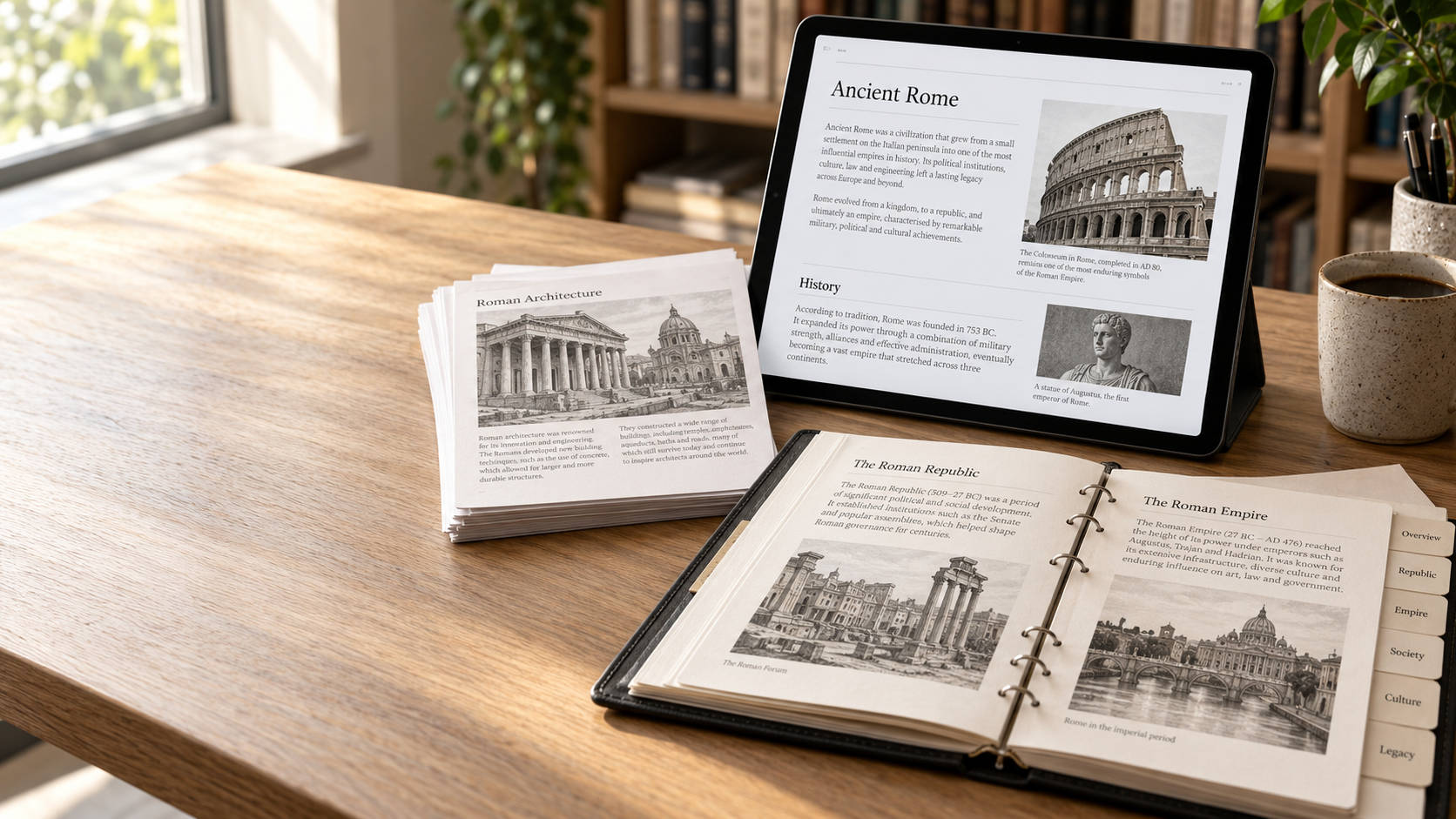
A PDF is useful when the placement of every heading, photograph and diagram needs to remain consistent. An EPUB is often a better choice when readers need comfortable text on different screen sizes.
There are exceptions. EPUB also supports fixed-layout publications, which preserve page composition. These can suit illustrated books and comics, but they sacrifice some of the flexibility associated with reflowable ebooks.
More than plain text
An EPUB can include a cover, illustrations, links, footnotes and a navigable table of contents. Depending on the publication and reading software, it can also support richer features such as audio and video.
However, support varies. A publication that works well in one app may behave differently in another, especially when it uses complex styling or interactive elements.
For publishers, a well-structured book with clear navigation is often more useful than an elaborate design that only works reliably in a particular reader.
Can every e-reader open EPUB?
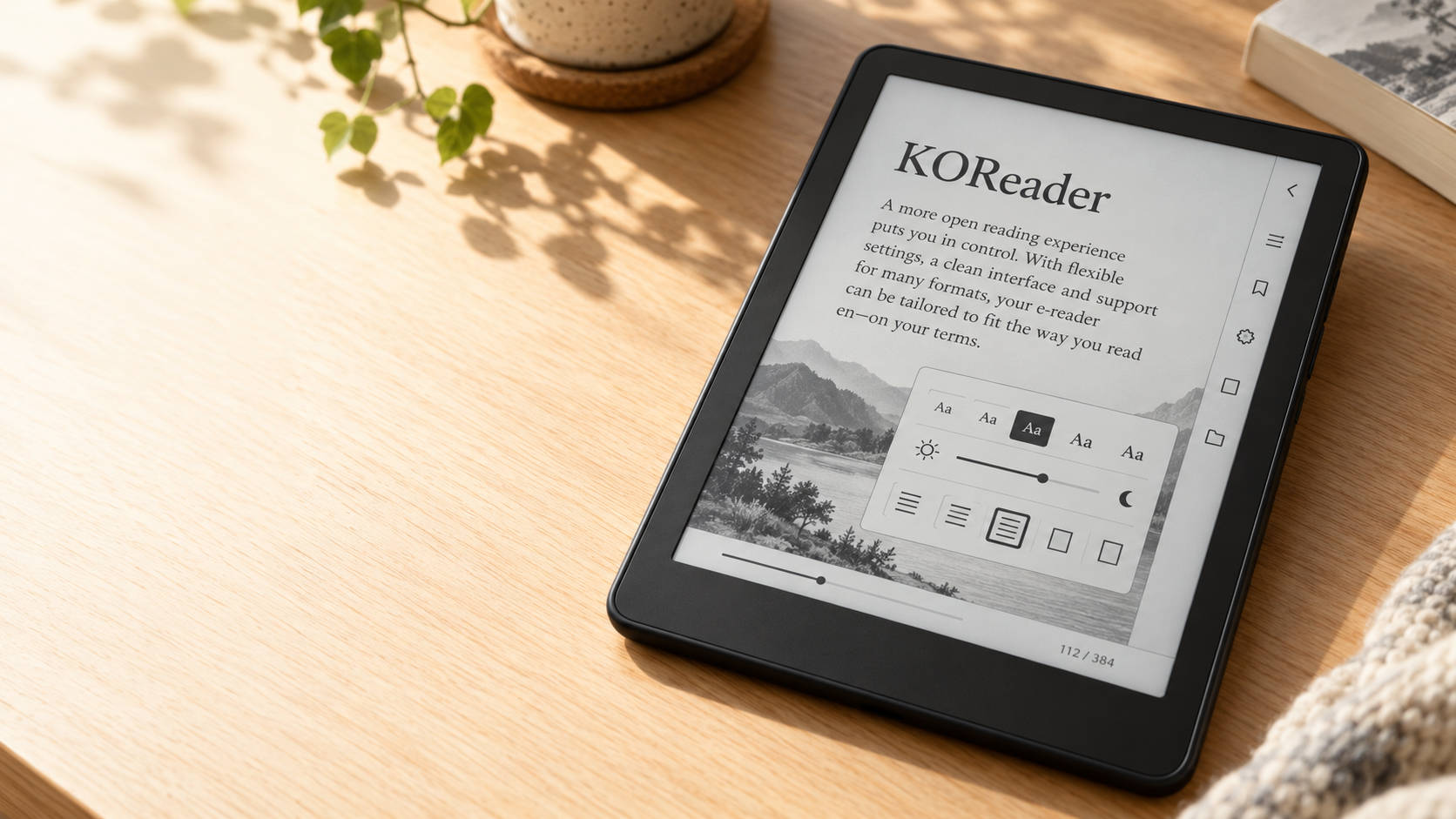
Many reading apps and devices support EPUB, including Kobo devices and applications such as KOReader, Apple Books and Calibre.
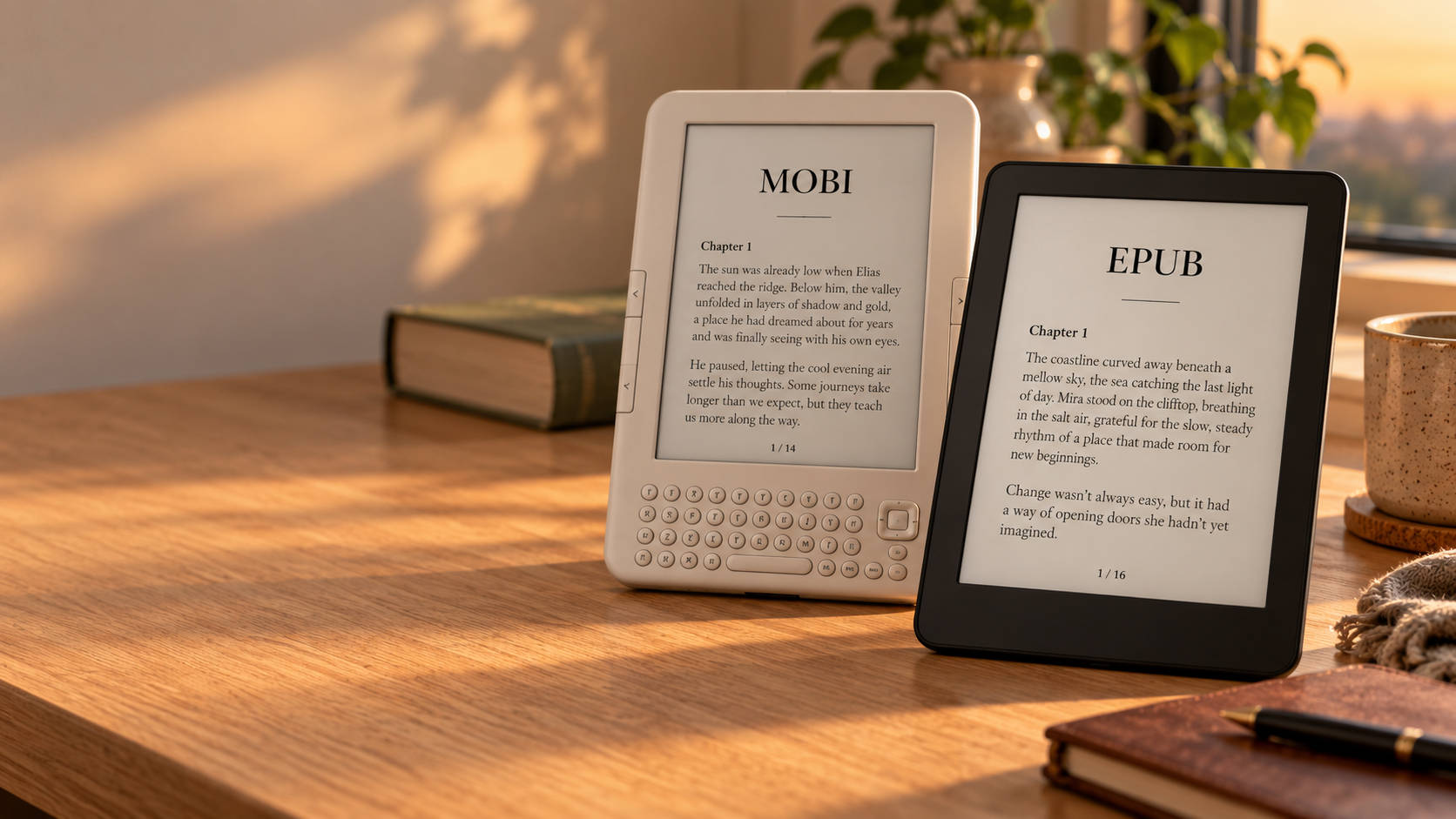
Kindle works differently. Amazon’s Send to Kindle service can accept EPUB files and convert them for reading, but that is different from a Kindle opening an EPUB copied directly onto it.
Another consideration is digital rights management, or DRM. Some purchased EPUB books are protected and require particular software or account authorisation. Recognising the EPUB format alone does not guarantee that an app can open a protected book.
Why accessibility matters
EPUB’s adaptable text can help readers who need larger lettering or more generous spacing. A properly prepared publication can also include meaningful headings, image descriptions and a logical reading order for assistive technology.
The format provides the tools, but the quality of the book still matters. An EPUB made from poorly organised text or images of pages will not automatically become accessible simply because it has an .epub extension.
Choosing the right format
Choose EPUB when you want readers to adjust the text and enjoy a book across different screens. Choose PDF when preserving the original page design is essential.
For some publications, offering both is the most useful approach: a PDF for the designed edition and an EPUB for flexible reading.
EPUB’s greatest strength is simple. It lets a digital book behave like digital content—adjusting to the reader, rather than asking the reader to adjust to the page.

Leave a Reply