

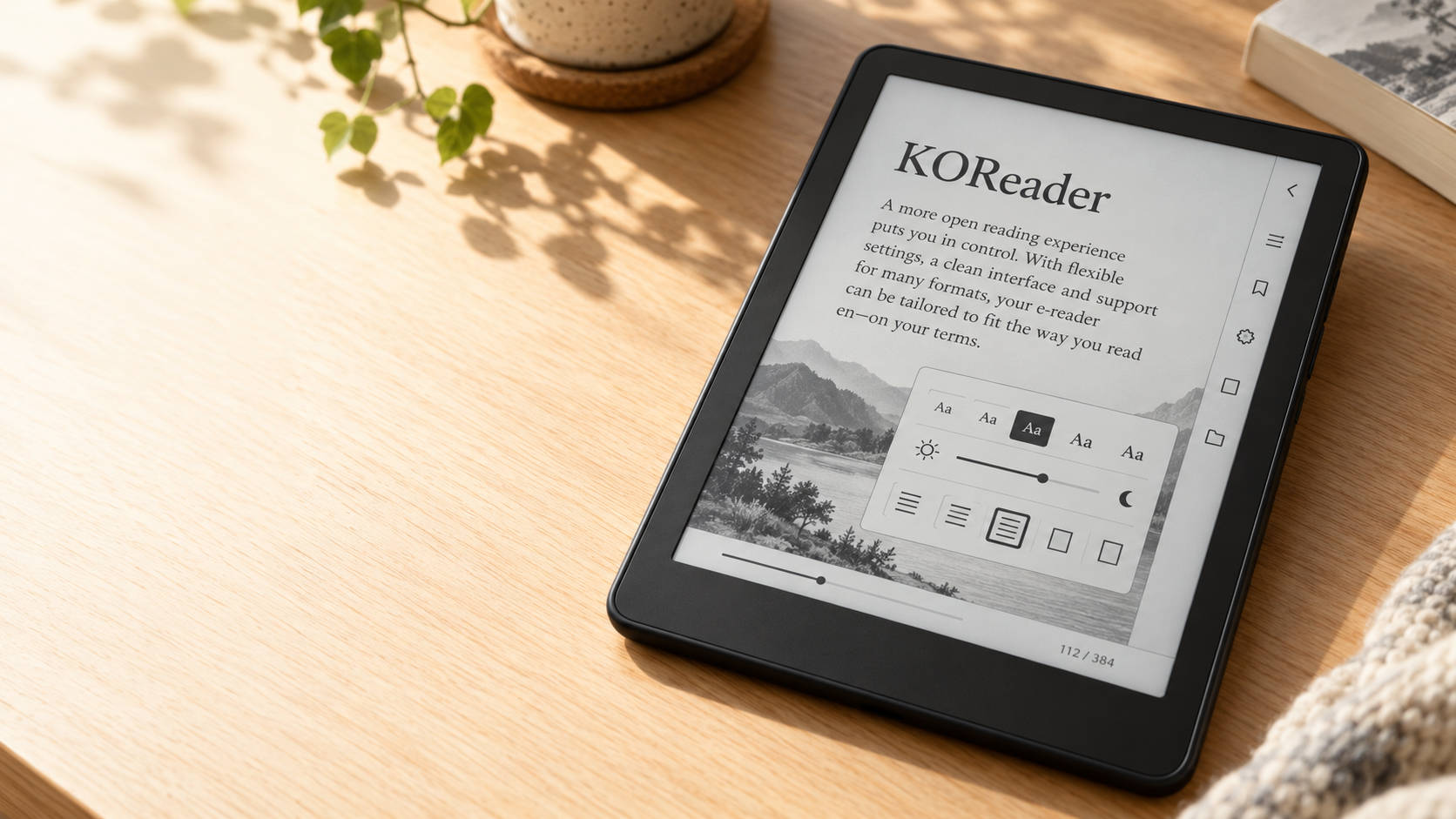
An e-reader can be a wonderful companion—until you open a PDF with tiny text or discover that the reading settings don’t quite suit you. For readers who want more control, KOReader offers an appealing alternative.
KOReader is a free, open-source reading application maintained by volunteers. It runs on supported Kobo, Kindle, PocketBook and other devices, as well as Android. Compatibility and installation requirements vary, so checking your exact model is the first step.
Make the page your own
One of KOReader’s biggest attractions is how much you can adjust the reading experience. Beyond changing font size, you can fine-tune margins, line spacing, font weight and text alignment. You can also install your own fonts.
These options have a practical purpose: making a book comfortable to read. A page that feels cramped can become more spacious, while lighter text can be made bolder. Custom gestures provide shortcuts to frequently used actions.
A helping hand with PDFs
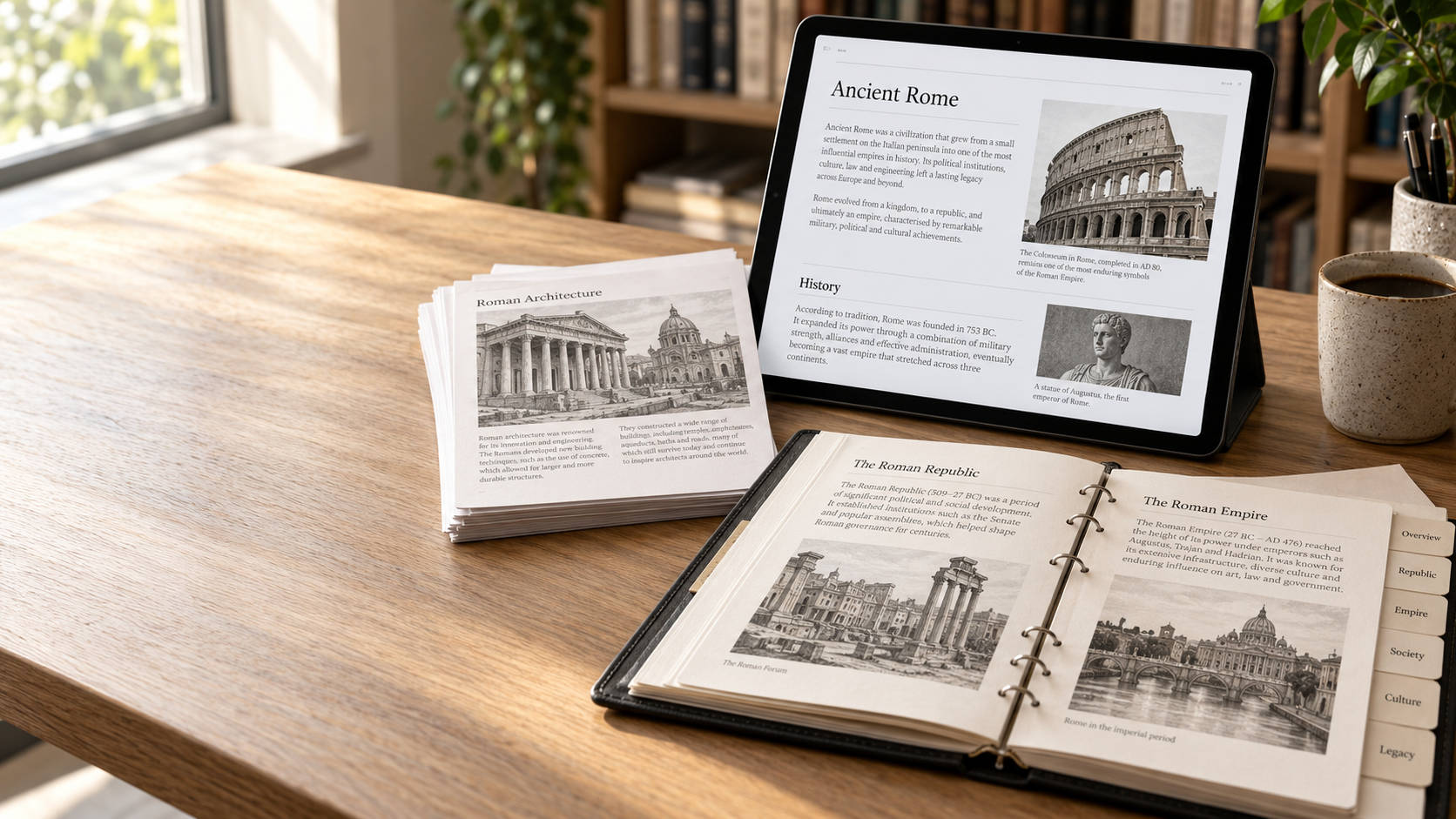
PDFs are often designed for paper rather than a small screen. A full-sized page squeezed onto an e-reader can make even a short document frustrating.
KOReader provides margin cropping, zoom controls and text reflow to help. It also offers navigation options for documents with multiple columns.
The results depend on the document: a straightforward article is generally an easier challenge than a magazine spread filled with photographs, tables and unusual layouts. Think of these tools as ways to improve readability, rather than a guarantee that every PDF will look like an EPUB.
More than novels
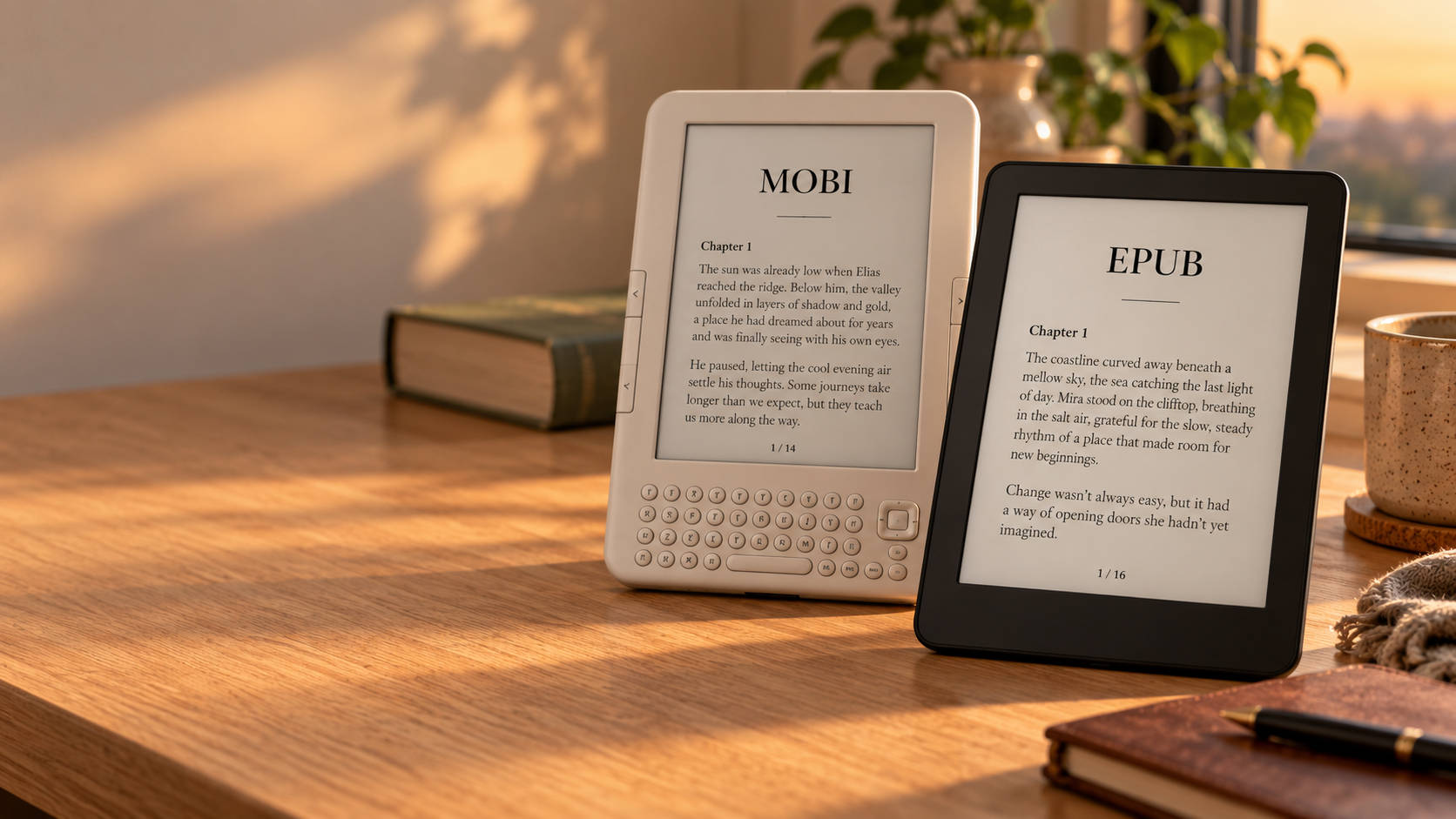
KOReader supports a broad selection of formats, including EPUB, PDF, DjVu, MOBI and comic archives such as CBZ. That makes it useful for readers whose collections extend beyond books purchased from a single shop.
Its reading tools include dictionaries, highlights, notes and reading statistics. Calibre integration supports wireless book transfers, while the Wallabag plugin can retrieve saved web articles. Some features require additional setup or a network connection.
Expect a little learning
KOReader’s extensive settings are part of its appeal, but they can also make the first few sessions feel unfamiliar. Readers who enjoy experimenting will probably appreciate that flexibility. Those who simply want to open a purchased book and start reading may prefer their device’s standard software.
Installation also deserves attention. The project provides separate instructions for different device families; there is no universal procedure that works on every e-reader. Follow the official guidance for your particular hardware.
Is KOReader worth trying?
If you read PDFs, manage your own ebook collection or regularly wish your e-reader offered more settings, KOReader is worth exploring. Start with a familiar book, adjust a few options and see whether reading feels more comfortable.
You may find that the most useful upgrade for your e-reader is a different way to read on it.
Explore the official KOReader project and its user guide to learn more.


Leave a Reply